

The Rising Cost of Remote Workspaces
Remote work has changed how we approach daily routines, increasing demand and cost for dedicated home office spaces. What used to be a perk is now common for many, straining budgets. Building a functional, comfortable workspace is expensive, and these costs are growing.
Several factors are driving up costs in 2026. Inflation affects building materials and office equipment. Supply chain disruptions, while easing, still cause longer lead times and higher prices.
People are approaching home office setups differently. Some choose quick, budget-friendly fixes, while others invest in fully built-out spaces. Costs vary widely, so careful planning and understanding all potential expenses are necessary to avoid overspending and ensure a good work environment.
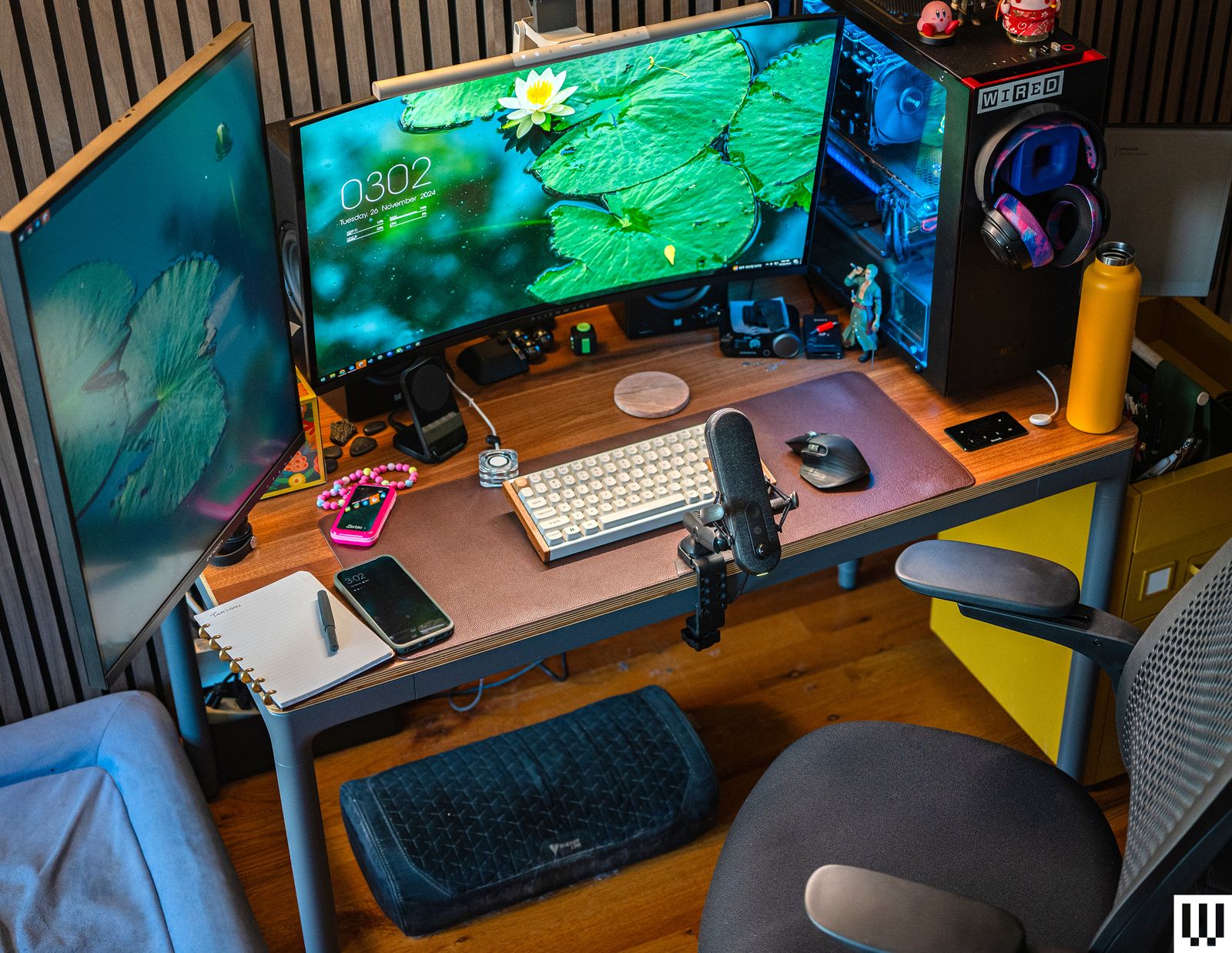
Dedicated Room vs. Multi-Purpose Space
Deciding between a dedicated office room or a workspace in a multi-purpose room significantly impacts cost. A dedicated room provides privacy and fewer distractions but costs more. Converting a spare bedroom might need electrical work, drywall, and new flooring.
A multi-purpose space, like a living room corner, is cheaper initially but lacks privacy and needs creative organization and noise control. This might involve partitions, storage, or noise-canceling headphones. The choice depends on your work style and budget.
Converting a room can cost $5,000 to $15,000, covering electrical upgrades, drywall, flooring, painting, and minor structural changes. A multi-purpose setup might cost $1,000 to $5,000 for furniture and partitioning. These ranges vary by location and materials.
A dedicated office can add home value, while a multi-purpose space might feel temporary. Consider future needs: will work requirements or space needs change?
- Dedicated Room: Offers privacy and minimizes distractions.
- Dedicated Room: Requires significant renovation and investment.
- Multi-Purpose Space: More affordable upfront.
- Multi-Purpose Space: Sacrifices privacy and requires creative solutions.
Remote Work Office Setup Cost 2026: Dedicated Room vs. Multi-Purpose Space
| Feature | Dedicated Room Cost (Low-End) | Dedicated Room Cost (Average) | Dedicated Room Cost (High-End) | Multi-Purpose Space Cost (Low-End) | Multi-Purpose Space Cost (Average) | Multi-Purpose Space Cost (High-End) |
|---|---|---|---|---|---|---|
| Electrical Work | $500 - $1,500 | $1,500 - $3,000 | $3,000+ | $200 - $800 | $800 - $1,500 | $1,500+ |
| Drywall & Insulation | $1,000 - $3,000 | $3,000 - $6,000 | $6,000+ | $300 - $1,000 | $1,000 - $2,000 | $2,000+ |
| Flooring | $500 - $2,000 | $2,000 - $5,000 | $5,000+ | $200 - $1,000 | $1,000 - $3,000 | $3,000+ |
| Furniture (Desk, Chair, Storage) | $500 - $1,500 | $1,500 - $4,000 | $4,000+ | $300 - $1,000 | $1,000 - $2,500 | $2,500+ |
| Soundproofing | $200 - $800 | $800 - $2,000 | $2,000+ | $50 - $300 | $300 - $800 | $800+ |
| Lighting | $100 - $300 | $300 - $600 | $600+ | $50 - $200 | $200 - $400 | $400+ |
| Paint & Finishing | $200 - $500 | $500 - $1,000 | $1,000+ | $100 - $300 | $300 - $600 | $600+ |
Illustrative comparison based on the article research brief. Verify current pricing, limits, and product details in the official docs before relying on it.
Construction & Renovation Costs (2026)
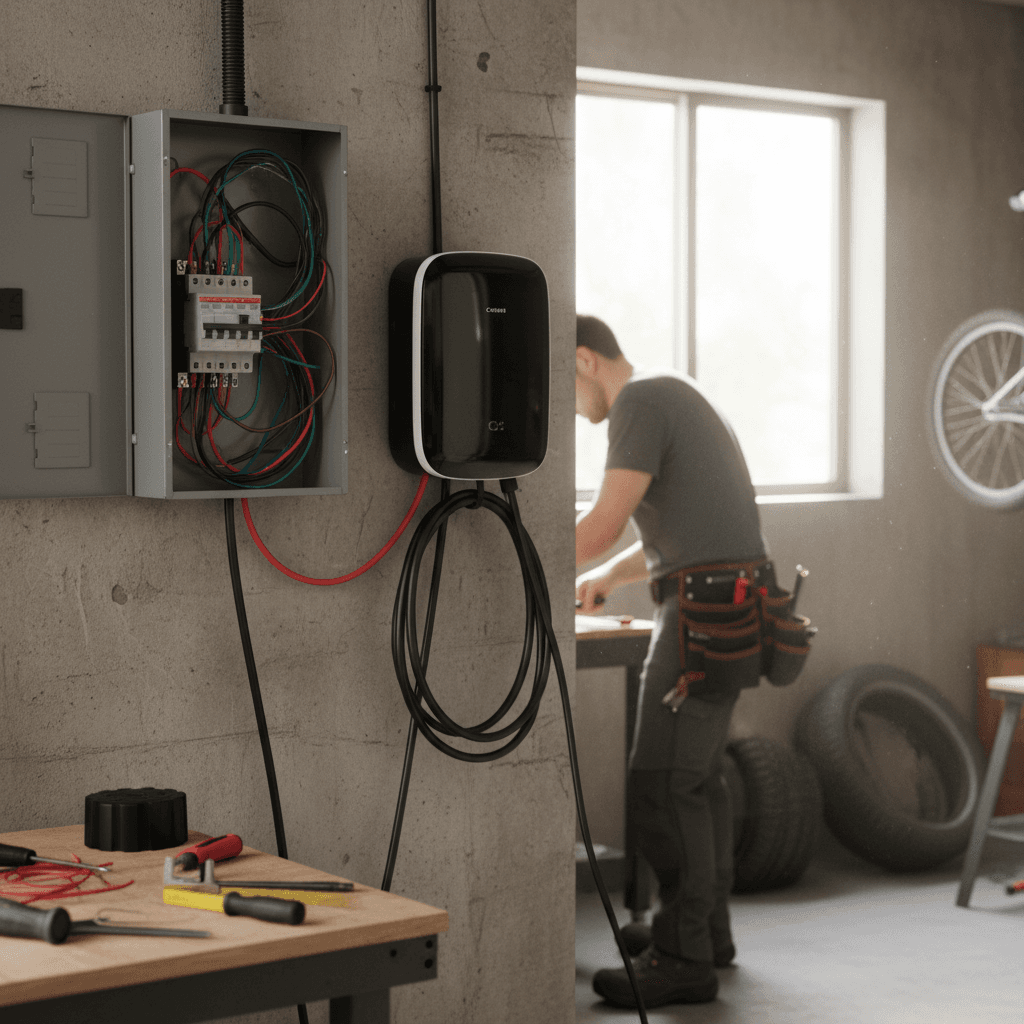
For dedicated rooms or major renovations, understanding construction costs is key. Angi data shows electrical work averages $150-$400 per outlet, or $1,000-$3,000 for rewiring a room, often needed for modern office equipment.
Drywall installation costs $2-$4 per square foot. Painting ranges from $2-$6 per square foot. Flooring expenses include carpet ($4-$8/sq ft), laminate ($3-$10/sq ft), and hardwood ($8-$20+/sq ft).
Structural changes like adding windows or moving walls increase costs significantly, requiring permits and professional help. Knepper Enterprises states a simple remodel can cost $15,000-$30,000 based on complexity. Get multiple contractor quotes.
Construction costs vary by region, being higher in major cities and coastal areas. Factor in local permit fees and material costs. Refresh Renovations advises detailed planning to prevent unexpected expenses.
- Electrical Work: $150 - $400 per outlet, $1,000 - $3,000 for rewiring.
- Drywall Installation: $2 - $4 per square foot.
- Painting: $2 - $6 per square foot.
- Carpet Installation: $4 - $8 per square foot.
- Laminate Flooring: $3 - $10 per square foot.
- Hardwood Flooring: $8 - $20+ per square foot.
Essential Office Equipment: A Price Breakdown
Equipping your office requires essentials. Desks range from $200 for basic models to $1,500+ for adjustable standing desks. Ergonomic chairs cost $150 to $1,000+.
Monitors are a significant expense: a 27-inch costs $200-$500, a dual setup over $800. Peripherals include keyboards/mice ($50-$200), webcams ($50-$150), microphones ($75-$300), and printer/scanner/copiers ($100-$400).
Good lighting reduces eye strain; desk lamps cost $50-$200. The listed items are mostly 'must-haves' for a functional workspace. 'Nice-to-haves' could include a high-end sound system or specialized ergonomic accessories.
Buying refurbished equipment saves money. Reputable retailers offer discounts on monitors, keyboards, and mice; check warranties and return policies. Explore bundled package deals.
- Desk: $200 - $1,500+
- Ergonomic Chair: $150 - $1,000+
- Monitor (27-inch): $200 - $500
- Keyboard & Mouse: $50 - $200
- Webcam: $50 - $150
- Microphone: $75 - $300
- Printer/Scanner/Copier: $100 - $400
- Desk Lamp: $50 - $200
Home Office Essentials
- Desk - A functional workspace is crucial. Expect variations based on size, material, and features like adjustable height.
- Low-End: $100 - $300. Mid-Range: $300 - $800. High-End: $800 - $2000+
- Chair - Ergonomic support is vital for long work hours. Consider adjustable features and lumbar support.
- Low-End: $100 - $250. Mid-Range: $250 - $600. High-End: $600 - $1500+
- Monitor - Screen size and resolution impact productivity. Consider a second monitor for multitasking.
- Low-End: $150 - $300 (24 inch, 1080p). Mid-Range: $300 - $600 (27 inch, 1440p). High-End: $600 - $1200+ (32 inch, 4K or Ultrawide)
- Keyboard/Mouse - Comfort and responsiveness are key. Wireless options offer flexibility.
- Low-End: $30 - $80. Mid-Range: $80 - $200. High-End: $200 - $400+
- Audio/Video - For meetings and calls, a good webcam and microphone are essential.
- Low-End: $50 - $150 (Webcam/Headset combo). Mid-Range: $150 - $300 (Dedicated Webcam & Microphone). High-End: $300 - $600+ (Professional Webcam & Microphone)
- Printer - While not always necessary, a printer can be useful for occasional document needs.
- Low-End: $75 - $150 (Basic Inkjet). Mid-Range: $150 - $300 (All-in-One with Scanner/Copier). High-End: $300 - $800+ (Laser Printer)
Connectivity & Ongoing Expenses
Ongoing expenses follow initial setup. High-speed internet costs $50-$150 monthly, varying by location and provider.
Electricity costs rise with energy-intensive equipment. Office supplies need regular replenishment. Software subscriptions like Microsoft 365 and Zoom add up.
Consider IT support costs if you're not tech-savvy. Consult a tax advisor about deducting home office expenses to ensure compliance.
A realistic budget includes all ongoing expenses. Tracking spending for a few months can reveal areas to cut back.
Soundproofing & Ergonomics: Investing in Well-being
Soundproofing and ergonomics are investments in productivity and well-being, not just luxuries. Noise is distracting,
Soundproofing materials, such as acoustic panels and door seals, can help reduce noise levels. Acoustic panels can cost between $50 and $200 each, while door seals typically cost $20 to $50. Ergonomic accessories, such as standing desk converters, footrests, and monitor arms, can improve your posture and reduce strain. A standing desk converter can range from $150 to $500, a footrest from $30 to $100, and a monitor arm from $50 to $200.
The benefits extend beyond just comfort. A well-designed ergonomic setup can reduce the risk of carpal tunnel syndrome, back pain, and other musculoskeletal disorders. A quieter workspace can improve focus and concentration. These are investments in your long-term health and productivity.
Think about the impact of these elements on your overall quality of life. A comfortable and quiet workspace can make a significant difference in your daily routine.
Home Office Cost: Standout Savings Opportunities
Building a home office doesn’t have to break the bank. There are several ways to save money without sacrificing functionality. One of the easiest ways is to buy used furniture. You can often find high-quality desks, chairs, and storage solutions at a fraction of the cost of new items.
DIY projects can also save you money. Building your own shelving units or painting the walls yourself can significantly reduce your expenses. Taking advantage of tax deductions is another smart move. Consult with a tax advisor to see what expenses you can deduct. Finally, don’t be afraid to negotiate with internet providers for a better rate.
Flexibility is key. Consider starting small and gradually upgrading your setup as your needs evolve. You don’t need to buy everything at once. Prioritize the essentials and add extras as your budget allows. Remember, a functional and comfortable home office is achievable on any budget with a little planning and creativity.
No comments yet. Be the first to share your thoughts!